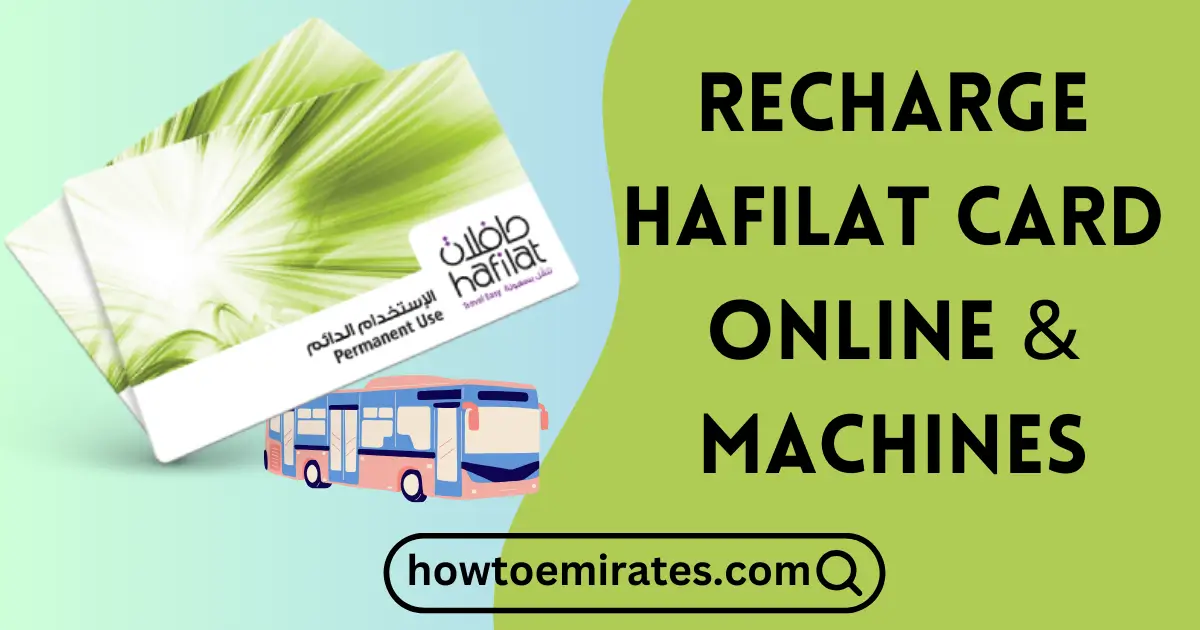
You can recharge a Hafilat card three ways online — through the DARBI website, TAMM, or the official Darbi app — or in person at a bus station machine, a Customer Happiness Center, or an MBME machine in a mall.
Each recharge is capped at AED 150, and you must activate it — by traveling with the card, or tapping it on a sales/recharge machine — within 3 months of topping up.
(Looking for Dubai’s equivalent instead? See our guide to recharging an RTA Nol card.)
Recharge a Hafilat Card Online via the DARBI Website
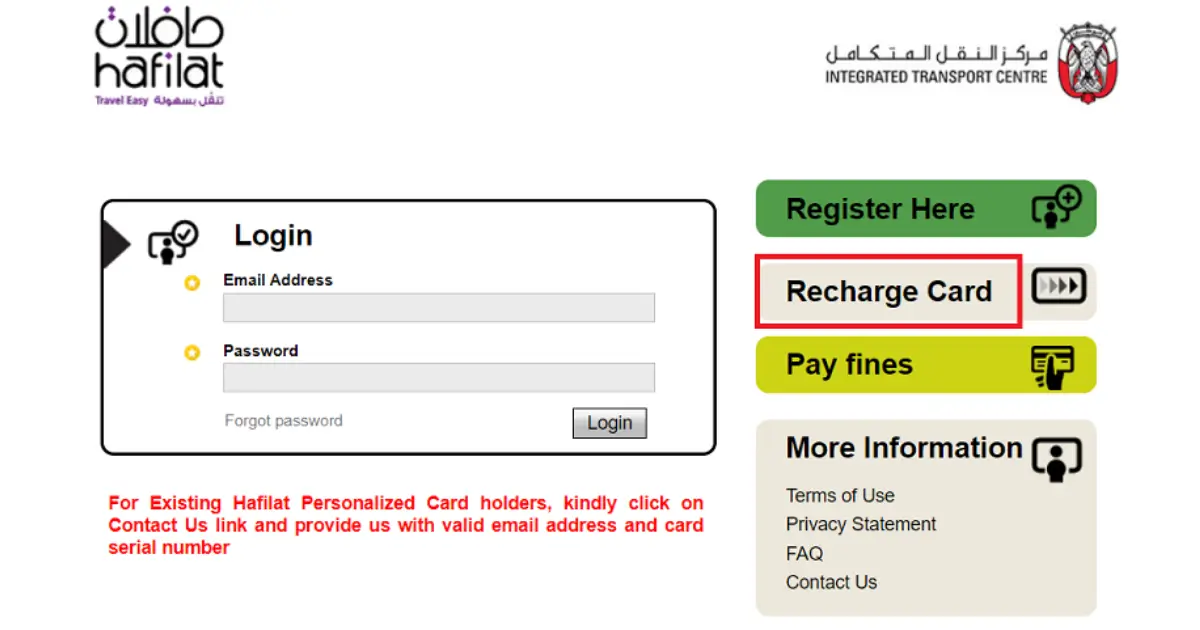
- Go to hafilat.darb.ae.
- Click “Select Recharge Option.”
- Choose your recharge amount, up to the AED 150 maximum.
- Click Add to Basket (this redirects you to another page).
- Click View Basket/Payment.
- Tick “I accept” and enter your email address.
- Click Payment, then choose your payment option.
- Fill in the required details and click Pay.
Your balance reflects on the card about 2 hours after payment completes.
Recharge a Hafilat Card via TAMM
- Log in to TAMM (website or app) with your UAE Pass.
- Select “Recharge of the Hafilat card.”
- Enter your Hafilat card number.
- Choose your recharge amount, up to AED 150.
- Complete the secure electronic payment.
Takes about 2 hours to reflect, same as the DARBI website.
Recharge a Hafilat Card via the Darbi App
Darbi is Abu Dhabi Integrated Transport Centre’s official app for bus tracking and Hafilat services, and now includes a dedicated recharge feature.
- Download Darbi (App Store / Google Play).
- Open the app and go to the Hafilat Card Recharge service.
- Enter your Hafilat card number.
- Choose your recharge amount, up to AED 150.
- Complete payment.
Takes about 2 hours to reflect, then activate it within 3 months by traveling with the card or tapping it on a machine.
Recharge a Hafilat Card in Person (Machine or Happiness Center)
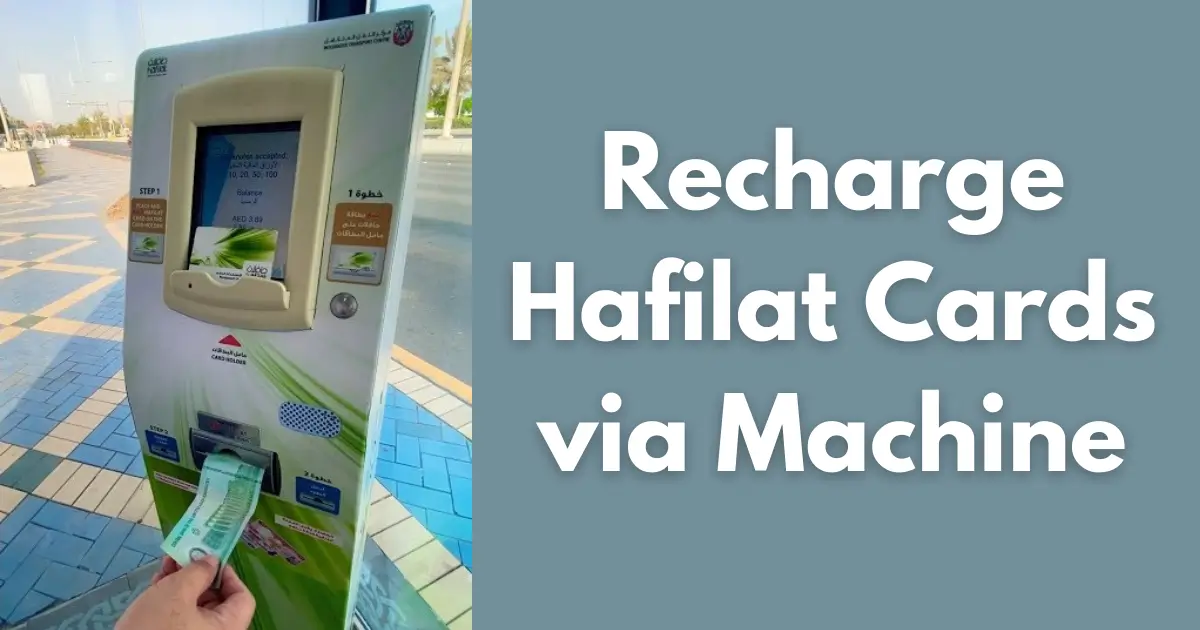
- Insert your Hafilat card into a sales and recharge machine (TVM) at a bus station or stop, an MBME machine in a mall or commercial building, or visit a Customer Happiness Center at a bus station.
- Select the recharge option.
- Choose your amount and pay by cash or card.
- Take your card and receipt.
Balance added at a bus station TVM or Happiness Center reflects immediately. Balance added via an MBME machine takes about 2 hours, same as the online channels.
Recharge via Vending Machine: Video Guide
Hafilat Passes: An Alternative to Topping Up Cash Balance
If you commute daily, a pass can work out cheaper than recharging cash balance for each trip:
| Pass | Price | Validity |
|---|---|---|
| 7-Day Pass | AED 35 | 7 days from purchase |
| 30-Day Pass | AED 95 (AED 80 for seniors 55+ and People of Determination) | 30 days from purchase |
Both passes give unlimited trips within Abu Dhabi city, Al Ain, and Al Dhafra. Passes are loaded the same way as a cash recharge — at a bus station machine, Customer Happiness Center, or online — and sit separately from your card’s regular cash (e-purse) balance.
Hafilat Card Recharge Limits & Activation Window
| Recharge Method | Where | Balance Reflects |
|---|---|---|
| DARBI Website | Online | ~2 hours |
| TAMM (website or app) | Online | ~2 hours |
| Darbi App | Online | ~2 hours |
| Sales & Recharge Machines / Customer Happiness Center | Bus stations & stops | Immediately |
| MBME Recharge Machines | Malls & commercial buildings | ~2 hours |
- Maximum recharge: AED 150 per top-up, on any method.
- Activation window: You must activate a new recharge — by traveling with the card, or tapping it on a sales/recharge machine — within 3 months of the recharge date.
- Minimum recharge: Abu Dhabi Mobility’s official channels accept any amount up to the AED 150 maximum, with no published minimum.
What to Do if Your Hafilat Balance Isn’t Showing
If you’ve just recharged online (DARBI, TAMM, or the Darbi app) or at an MBME machine and your balance hasn’t updated yet, that’s expected — these channels can take up to 2 hours to reflect. If it’s been longer:
- Confirm the payment actually went through (check your bank/payment confirmation).
- Double-check you entered the correct Hafilat card number.
- Tap your card on any recharge machine or fare reader — this can help sync a pending balance.
- If it still hasn’t appeared after 2+ hours, contact Abu Dhabi Mobility’s customer service for that transaction.
Recharging at a bus station machine or Customer Happiness Center avoids this wait entirely, since that balance reflects immediately.
FAQs
What is the maximum amount I can recharge on a Hafilat card?
AED 150 per recharge, across every method — website, TAMM, the Darbi app, or a machine.
How long do I have to activate a Hafilat card recharge?
3 months from the recharge date. Travel with the card, or tap it on a sales/recharge machine, to activate the balance before then.
Can I recharge my Hafilat card through TAMM?
Yes — log in with your UAE Pass, select “Recharge of the Hafilat card,” and pay electronically. Takes about 2 hours to reflect.
Can I recharge my Hafilat card through the Darbi app?
Yes — Darbi is Abu Dhabi Integrated Transport Centre’s official app and includes a dedicated Hafilat Card Recharge service, alongside bus tracking.
How long does it take for my Hafilat balance to update after recharging?
Immediately at a bus station machine or Customer Happiness Center. About 2 hours via the DARBI website, TAMM, the Darbi app, or an MBME machine.
What do Hafilat passes cost?
A 7-day pass is AED 35 and a 30-day pass is AED 95 (AED 80 for seniors 55+ and People of Determination) — both give unlimited trips within Abu Dhabi city, Al Ain, and Al Dhafra.
Can two people use the same Hafilat card balance for one ride?
No — each passenger needs their own card or fare payment.
Can tourists get a Hafilat card?
Yes. An anonymous Hafilat Card costs AED 10, is valid for up to 5 years, and can be bought at bus station machines — no registration required.