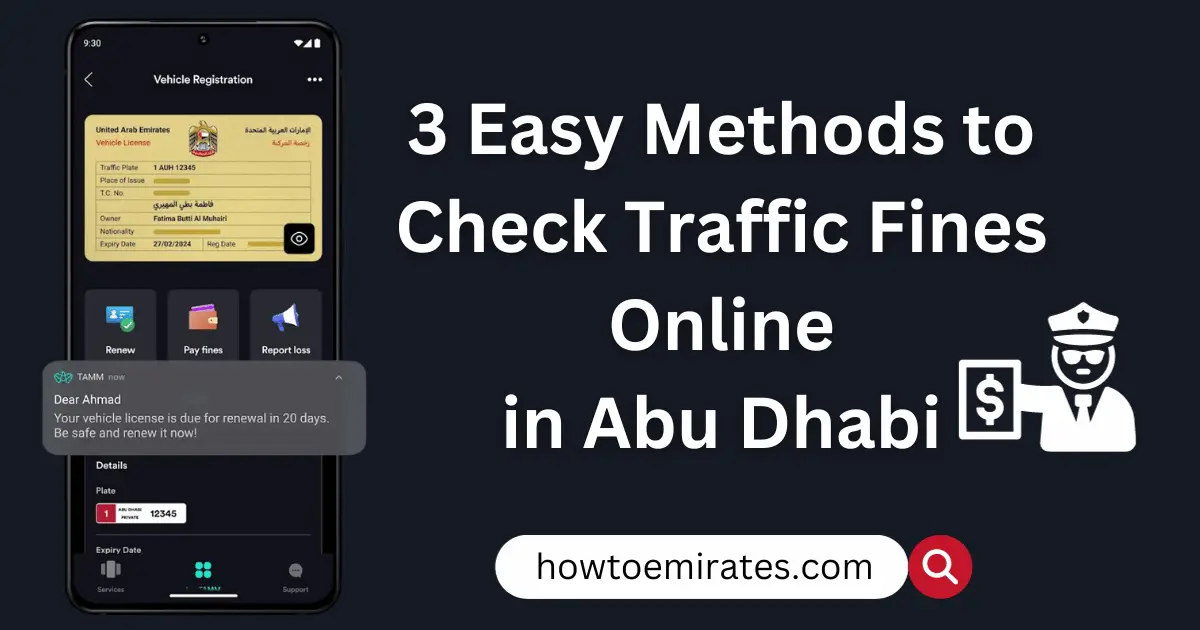
You can check your Abu Dhabi traffic fines for free through four channels — TAMM, the Abu Dhabi Police app, the Ministry of Interior (MOI), or Emirates Vehicle Gate (EVG). Most need only your Emirates ID or vehicle plate number; two require UAE Pass. Below is what each one involves, how to tell a traffic fine from a Mawaqif parking ticket, and what a “locked” fine actually means.
What You’ll Need Before You Check
- Emirates ID — the primary lookup value on most channels.
- Vehicle plate number or TCN (Traffic Code Number) — found on your Mulkiya (vehicle registration card); needed as an alternative search value on the Ministry of Interior site and Emirates Vehicle Gate.
- UAE Pass — required to sign in to TAMM and the Ministry of Interior’s e-service. Not required for the Abu Dhabi Police app (Emirates ID + mobile number registration works) or Emirates Vehicle Gate.
Know Your Lookup Identifiers
Different channels ask for different search values, so it helps to know which one you’re being asked for:
- Traffic Profile / Traffic Code Number (TCN): pulls all vehicles and fines linked to your driver profile.
- Plate number: pulls fines issued against that specific vehicle only.
- Driving license number: pulls personal violations tied to you as the driver.
- Fine/ticket number: a direct lookup for one specific fine, if you already have it (e.g. from a notification).
Method 1: TAMM (Recommended)
TAMM is Abu Dhabi’s own government services platform, and Abu Dhabi Police now directs residents to it as the primary channel for traffic fines.
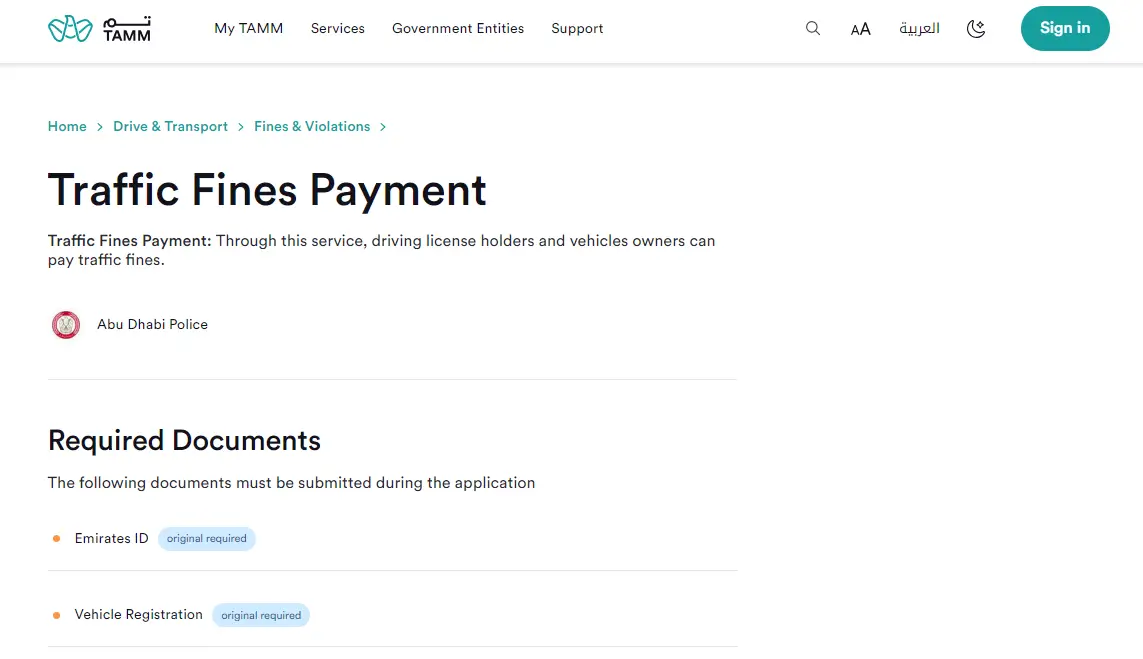
- Go to the TAMM Traffic Fines Payment service, or open the TAMM app (App Store / Google Play).
- Sign in with your UAE Pass — TAMM doesn’t offer a guest option for checking or paying fines.
- Select Drive & Transport, then Fines & Violations, then Traffic Fines Payment.
- Enter your Emirates ID or vehicle plate number if prompted.
- Review the list of outstanding fines, their amounts, dates, and any black points attached — you can stop here just to check, or continue to pay.
Method 2: Abu Dhabi Police App
Abu Dhabi Police’s own website now largely routes fine lookups through TAMM, but its mobile app remains a separate, actively maintained channel.
- Download the Abu Dhabi Police app (App Store / Google Play).
- Sign in with UAE Pass, or register using your Emirates ID and mobile number if you haven’t already.
- Your outstanding fines appear directly on the dashboard once you’re signed in — no extra menu to dig through.
Method 3: Ministry of Interior (MOI)
The MOI e-service is available on both the website and the MOI mobile app (App Store / Google Play).
- Visit the Ministry of Interior website, or open the MOI app.
- Go to E-Services, then Traffic Services (or Traffic & Licensing), then find Payment of Traffic Fines.
- Sign in with your UAE Pass.
- Search using your vehicle plate number, Traffic Profile Number, driving license number, or Emirates ID.
- Select Abu Dhabi from the emirate menu if prompted, complete the captcha, and select Search to see your results.
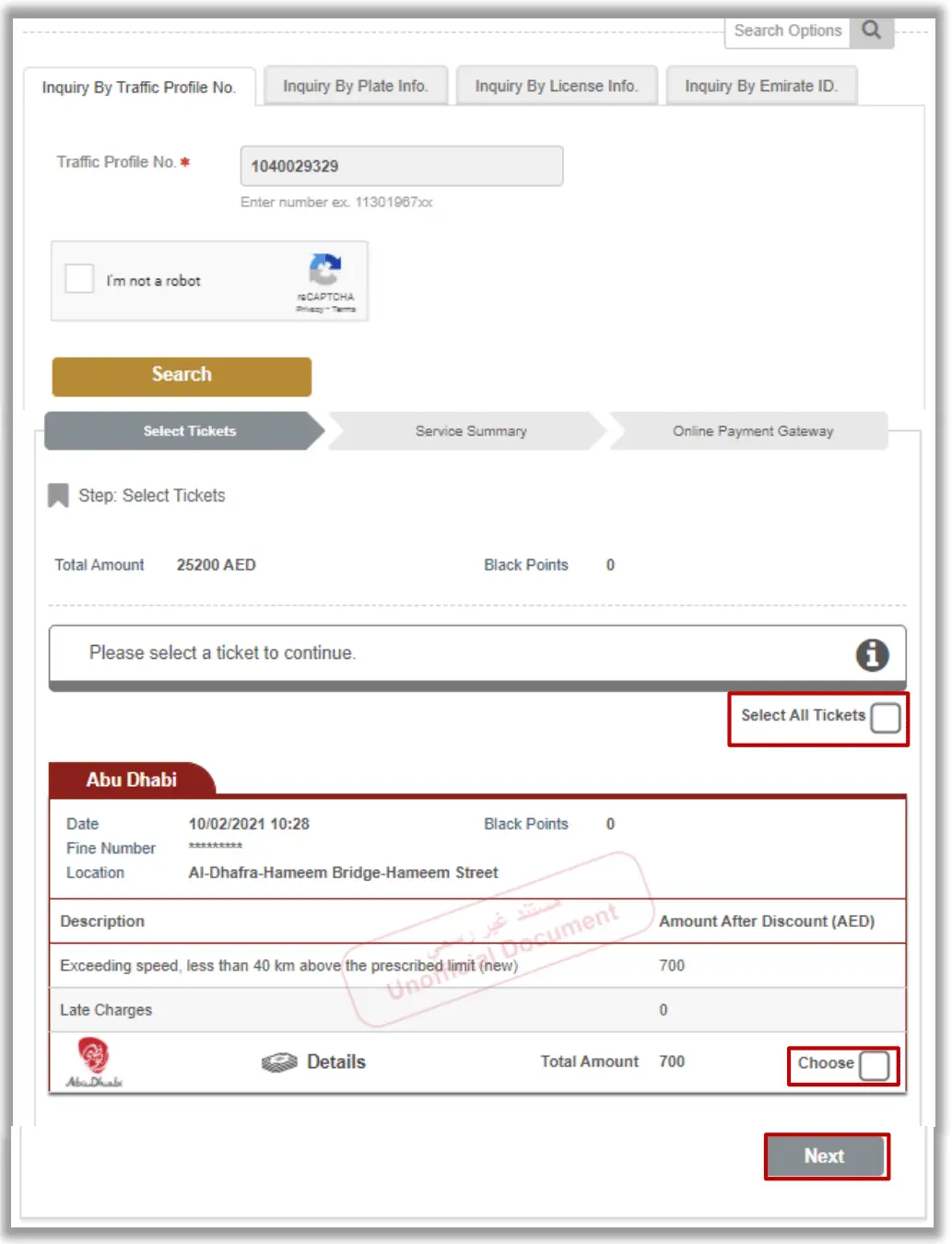
Method 4: Emirates Vehicle Gate (EVG)
Emirates Vehicle Gate (evg.ae) is a separate portal covering Abu Dhabi plus the Northern Emirates (Sharjah, Ajman, Ras Al Khaimah, Umm Al Quwain, and Fujairah) — useful if you drive across more than one of those emirates. It needs no login: search directly with your TCN, plate number, or driving license number. For the complete walkthrough, including what it means if a fine shows as “locked,” see How to Check & Pay UAE Traffic Fines via Emirates Vehicle Gate.
Compare All Methods at a Glance
| Method | Needs UAE Pass? | Coverage | Best For |
|---|---|---|---|
| TAMM | Yes | Abu Dhabi | Most residents — the primary channel Abu Dhabi Police directs you to |
| Abu Dhabi Police App | No (Emirates ID + mobile) | Abu Dhabi | Anyone who already uses the standalone app |
| Ministry of Interior | Yes | Abu Dhabi | Residents who prefer a single federal portal or app |
| Emirates Vehicle Gate | No | Abu Dhabi + Northern Emirates | Drivers who also need Northern Emirates fines |
Traffic Fine or Parking Ticket? Don’t Confuse the Two
The methods above cover Abu Dhabi Police traffic fines only — speeding, red lights, and similar moving violations. Mawaqif parking tickets are a separate system, run by Abu Dhabi Mobility (the Integrated Transport Centre), not Abu Dhabi Police. If you’re looking for a parking fine instead, check the Darb app or the Mawaqif service on TAMM — it won’t show up through the channels above.
Why Does My Fine Show as “Locked” or Non-Payable?
If a fine appears “locked” or won’t let you proceed to payment, it’s almost always a black-points issue. Most of the time this can still be resolved digitally: in TAMM, open the fine, tap Transfer Black Points, choose Transfer to my licence, and confirm via SMS OTP — no center visit needed. An in-person visit to a Traffic Police center is really only required for the more serious cases — once your license reaches 24 black points, the matter is referred to court rather than handled as a routine transfer, and similarly for court-referred or vehicle-impound cases. For the full breakdown of what triggers this, see Abu Dhabi Traffic Fine Discounts, Installments & Black Points (post #27).
What to Do After You Check Your Fines
Once you know what you owe, you can pay through the same TAMM or Abu Dhabi Police channels, or see our full breakdown of how to pay your Abu Dhabi traffic fine online (post #95) for all payment methods and how to dispute a fine. If you’re within 60 days of the violation date, you likely qualify for a 35% early-payment discount — covered in Abu Dhabi Traffic Fine Discounts, Installments & Black Points (post #27).
FAQs
Do I need UAE Pass to check my Abu Dhabi traffic fine?
Only for TAMM and the Ministry of Interior’s e-service. The Abu Dhabi Police app and Emirates Vehicle Gate don’t require it.
Can I check my fine using just my vehicle plate number?
Yes — Emirates Vehicle Gate and the Ministry of Interior’s site let you search by plate number alone (or Traffic Code Number/license number). TAMM and the Abu Dhabi Police app are built around your Emirates ID instead.
Does Emirates Vehicle Gate cover fines outside Abu Dhabi too?
Yes — it covers Abu Dhabi plus Sharjah, Ajman, Ras Al Khaimah, Umm Al Quwain, and Fujairah, so it’s useful if you drive across more than one of those emirates.
Why does my fine show as “locked” or non-payable?
Almost always a black-points issue. Most cases can be cleared yourself in TAMM by transferring the points to your licence — only the more serious cases (24+ points, court referral, or vehicle impound) require an in-person visit.
Is a Mawaqif parking ticket the same as a traffic fine?
No. Mawaqif parking tickets are managed by Abu Dhabi Mobility (the Integrated Transport Centre), not Abu Dhabi Police, and are checked and paid through the Darb app or TAMM’s Mawaqif service — not the channels in this guide.
How often is fine data updated across these channels?
TAMM, the Abu Dhabi Police app, and Emirates Vehicle Gate all draw from the same underlying fines database, so a new fine or a payment usually reflects everywhere within 24-48 hours.