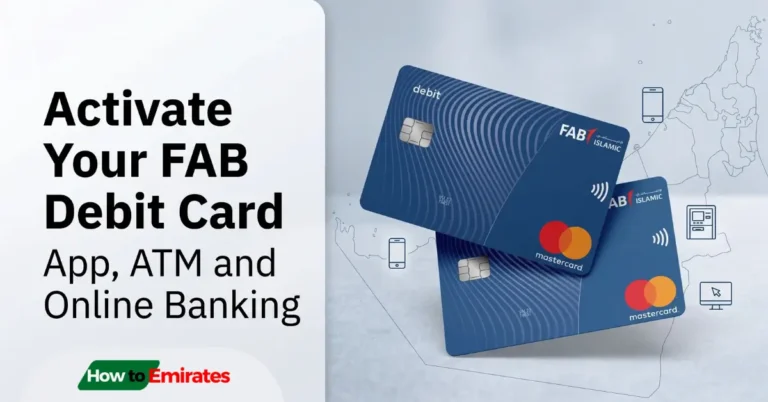
Activating your new First Abu Dhabi Bank (FAB) credit card takes less than two minutes. The fastest method is sending an SMS to 2121, but you can also use the FAB Mobile App or call customer service.
Note on Debit and Salary Cards: Looking to activate a standard checking account debit card or a Ratibi payroll card? Those require a different workflow (usually via ATM or online banking). See our dedicated guides for [How to Activate Your FAB Debit Card].
Method 1: Activate via SMS (Fastest)
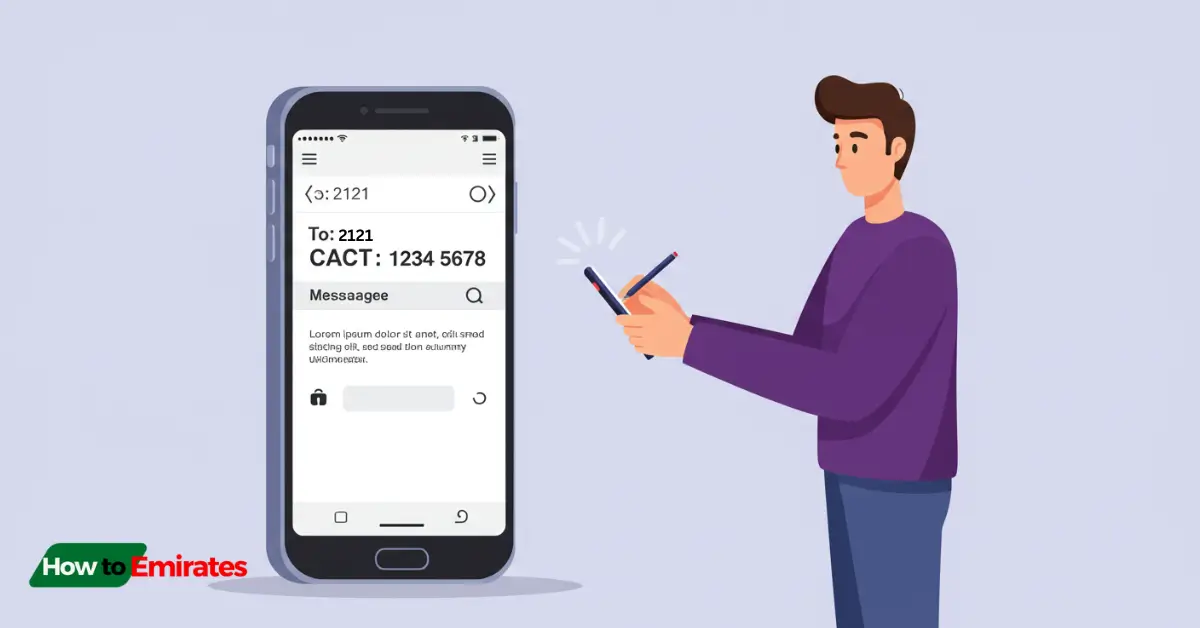
SMS activation is the quickest route and requires no mobile data or app login.
- Open your phone’s SMS app on the mobile number registered with FAB.
- Type your message in the following format:
CACT <last 4 digits of card> <chosen 4-digit PIN> - Send the text to
2121. - You will receive an immediate SMS confirming your card is activated and your transaction PIN is set.
Example: If the last 4 digits of your card are 8925 and you choose 0076 as your PIN, text:
CACT 8925 0076to2121
A few things that trip people up with this method:
- Single spaces matter — CACT, the last 4 digits, and the PIN each need exactly one space between them.
- If your phone has two SIMs, make sure the message actually sends from the SIM registered with FAB — messages sent from the other line typically fail without any error, which looks like the system is broken when it’s really just the wrong number.
- 2121 is a UAE domestic shortcode — it won’t work on a foreign SIM or while roaming; use Method 2 or 3 instead if you’re abroad.
Method 2: Activate via the FAB Mobile App
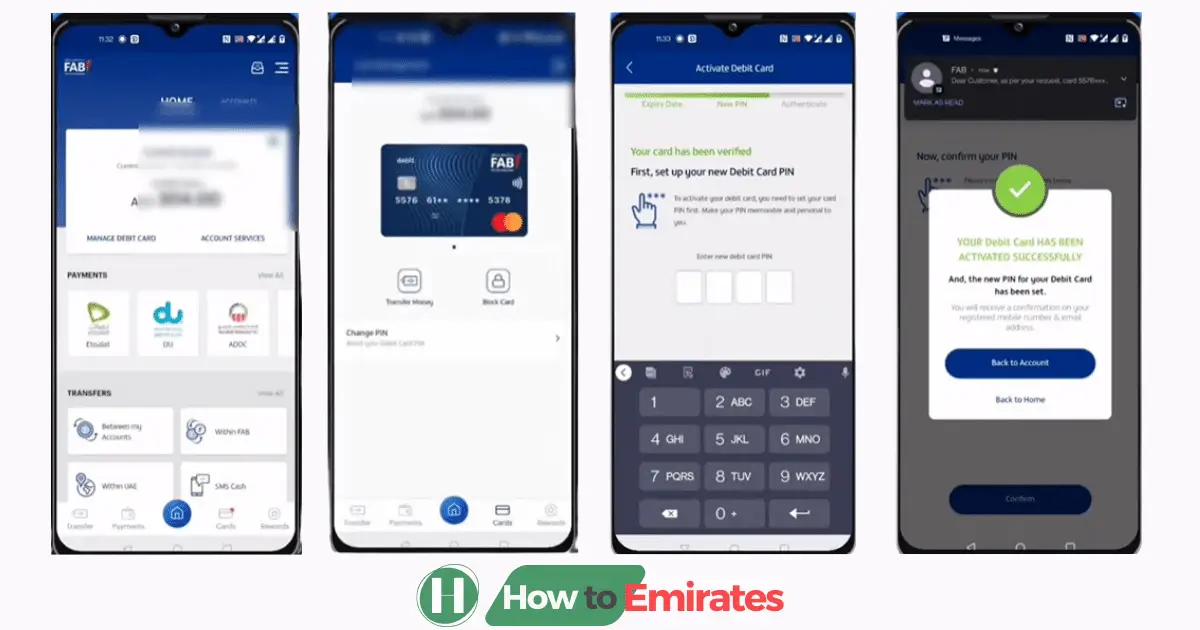
If you prefer an in-app setup or hold an instant virtual credit card, use the mobile app:
- Download and open the FAB Mobile App (iOS / Android).
- Log in using your credentials, Face ID, or fingerprint.
- Tap Cards on the bottom navigation menu.
- Select your newly issued, inactive credit card.
- Tap Activate Card.
- Enter the requested card details (such as the expiry date or 3-digit CVV on the back).
- Choose and confirm your 4-digit PIN, then authenticate using the on-screen OTP prompt.
This is the better option if you’re travelling when the card arrives, since it doesn’t depend on receiving an SMS on a UAE number. It’s also the route to use if FAB approved you for an instant virtual card — FAB’s app supports getting a card approved in as little as 2 minutes with just your Emirates ID, so you can activate and start using it digitally before the physical card even arrives.
Method 3: Activate by Phone
If SMS and app access are unavailable, use the automated phone banking system:
- Inside UAE: Dial
600 52 5500 - Outside UAE (International): Dial
+971 2 681 1511
Select your preferred language (Arabic or English), choose the credit card services menu, follow the automated IVR prompts to enter your card details, and set your 4-digit PIN.
Supplementary Cards Need Their Own Activation
If you have supplementary/add-on cards on the same account, each one needs to be activated separately using its own last-4-digits and a PIN you choose — activating the primary card doesn’t activate supplementary ones automatically.
What to Do Immediately After Activation
- Make your first purchase Chip & PIN, not tap-to-pay. This is standard across most banks, FAB included — a brand-new card’s contactless function often won’t activate until you’ve completed one Chip & PIN transaction at a terminal or ATM.
- Add the card to Apple Pay or Google Pay if you want to use it digitally — this only works once the card is already active, so do it after, not instead of, one of the 3 methods above.
- Set spend limits or geo-restrictions in the app (for example, blocking international transactions if you don’t travel often) — takes under a minute and meaningfully reduces fraud exposure on a new card.
Troubleshooting Common Activation Issues
| Issue | Likely cause | What to do |
|---|---|---|
| No confirmation after SMS | Formatting typo, or sent from the wrong SIM on a dual-SIM phone | Double-check spacing and that you sent from your FAB-registered number |
| SMS fails while abroad | 2121 is a UAE domestic shortcode | Use the FAB app or call +971 2 681 1511 instead |
| Card still not activated after a while | No fixed rule, but leaving a card inactive for an extended period (commonly cited anywhere from 30 days to a few months, depending on the source) can lead to it being flagged or cancelled | Activate as soon as you receive it rather than waiting |
| Card locked after failed PIN attempts | Repeated incorrect PIN entries | Call 600 52 5500 to reset rather than continuing to guess |
Once your card’s active, you may want to check your FAB balance online to confirm everything’s linked correctly. If you’re still deciding which FAB card to apply for, see How to Get a Credit Card With Low Salary in the UAE.
This article is for general informational purposes; always confirm current activation steps and support numbers directly with FAB if anything here doesn’t match your card’s instructions.