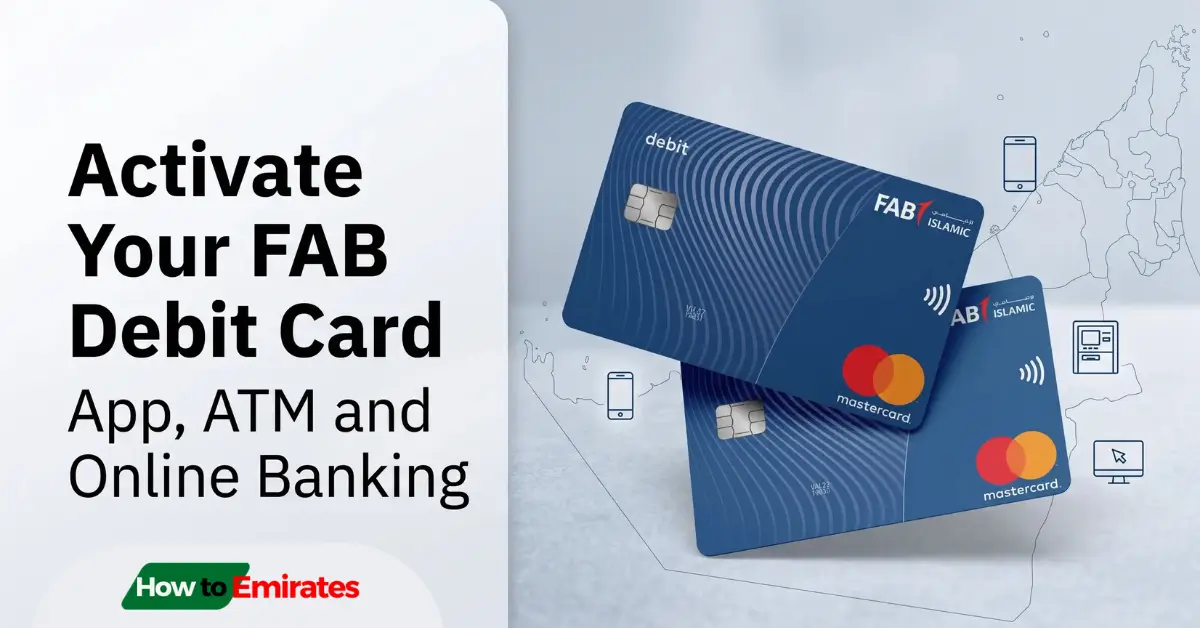
Activating a First Abu Dhabi Bank (FAB) debit card requires authenticating your account and setting a secure 4-digit PIN. Unlike FAB credit cards, debit cards cannot be activated via SMS to 2121. Instead, activation is done through the FAB Mobile App, Online Banking, or directly at any FAB ATM
All three are free, and you’ll likely need to confirm with an OTP sent to your registered mobile number.
Looking for other card types? If you have a credit card, you can activate it via SMS using our guide on [How to Activate Your FAB Credit Card Online]. For company payroll cards, read [FAB Ratibi Salary Card Activation & PIN Setup].
Which FAB Debit Card Do You Have? It Affects Your Limits, Not Your Activation Steps
FAB issues debit cards across several tiers depending on your account type, and it’s worth knowing which one you have — the activation process is identical across all of them, but your daily limits aren’t:
| Card / account tier | Daily ATM withdrawal | Daily purchase limit |
|---|---|---|
| Standard | AED 15,000 | AED 20,000 |
| Platinum | AED 20,000 | AED 40,000 |
| World | AED 40,000 | AED 75,000 |
| World Elite | AED 40,000 | AED 100,000 |
| Etihad Guest Signature | AED 30,000 | AED 75,000 |
These figures are commonly cited and can vary slightly by account relationship — check the exact limit for your card in the FAB app under Card Details rather than assuming from the table alone.
If you were recently issued a Jaywan debit card, this is FAB’s card on the UAE’s new national payment scheme (separate from Visa/Mastercard), built with Chip & PIN, 3D Secure, and tokenized wallet support from launch. Activation works the same way as any other FAB debit card — the 3 methods below apply regardless of which network your card runs on.
Method 1: Activate via the FAB Mobile App
Using the FAB Mobile App is the most secure method because it allows you to set your PIN and adjust spending controls without standing at an ATM.
- Download and open the FAB Mobile App [Android / Apple].
- Log in using your registered credentials or Signup
- Tap Cards on the bottom navigation menu.
- Select your new debit card (it will typically be greyed out or marked as Inactive).
- Tap Activate Card.
- Enter the Expiry Date and the 3-digit CVV printed on the back of the physical plastic.
- Enter a new 4-digit ATM PIN and re-enter it to confirm.
- Authenticate the transaction using the One-Time Password (OTP) sent to your registered mobile number. Your debit card is active immediately.
FAB Debit Card Activation Video using Mobile App
If your new card isn’t showing up in the app at all, it’s usually because the courier delivery hasn’t finished syncing in FAB’s system yet — a genuinely common first-day issue, not a sign anything’s wrong. Give it a few hours and refresh, or activate at an ATM instead, which doesn’t depend on this sync.
Method 2: Activate at an FAB ATM
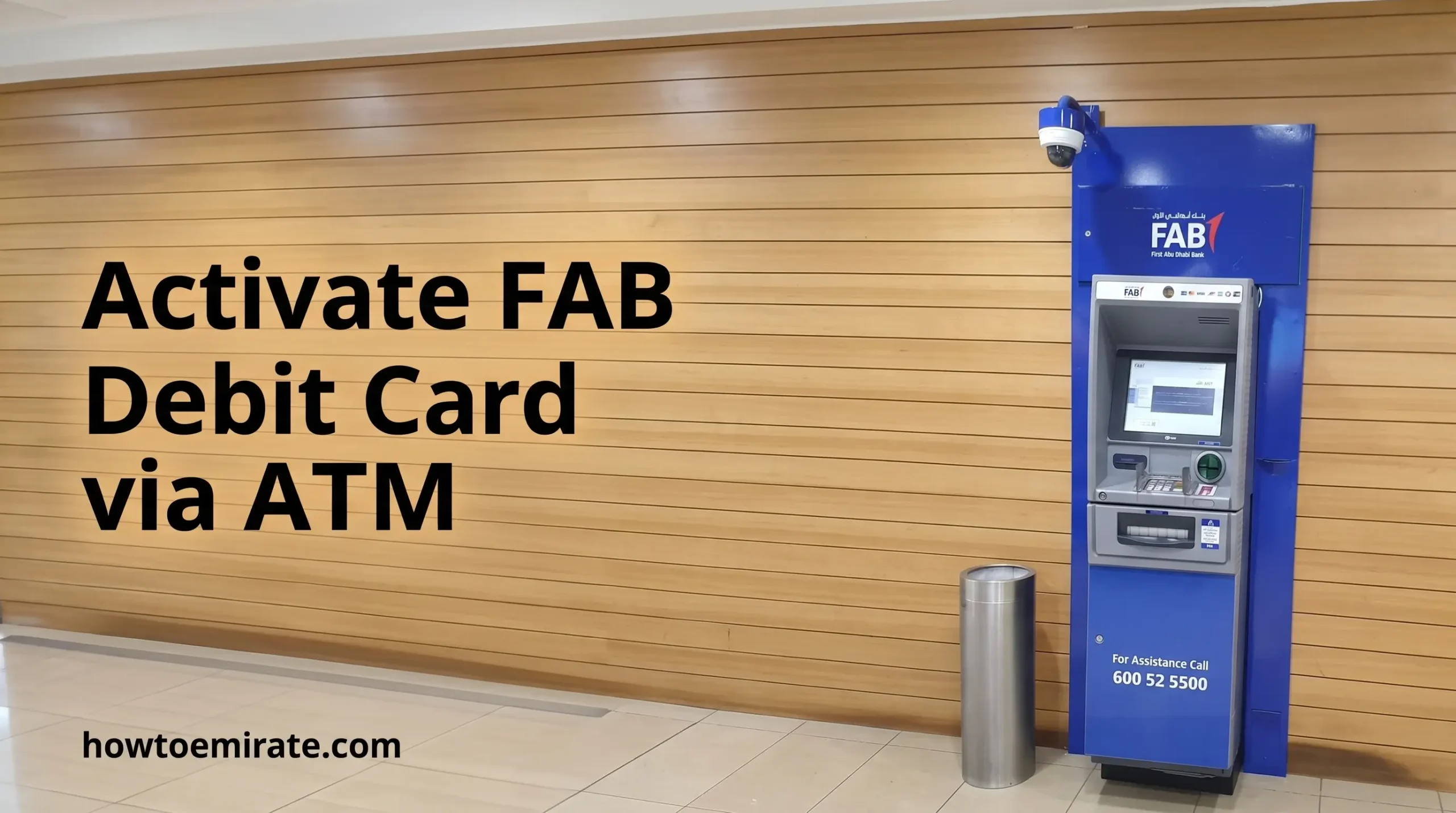
If you do not have mobile app access, visit any FAB ATM across Abu Dhabi, Dubai, or the Northern Emirates.
- Insert your new debit card at any FAB ATM.
- Choose your preferred language (English or Arabic).
- The screen will automatically detect a new card and display Card Activation / Set PIN.
- An automated OTP will be sent to the mobile phone number registered with your account.
- Enter the OTP on the ATM keypad.
- Enter and confirm your new 4-digit PIN.
- The machine will finalize the activation and eject your card.
Important: Make sure you bring the mobile phone carrying your registered UAE SIM card to the ATM, as you cannot bypass the OTP prompt.
Method 3: Activate via FAB Internet Banking
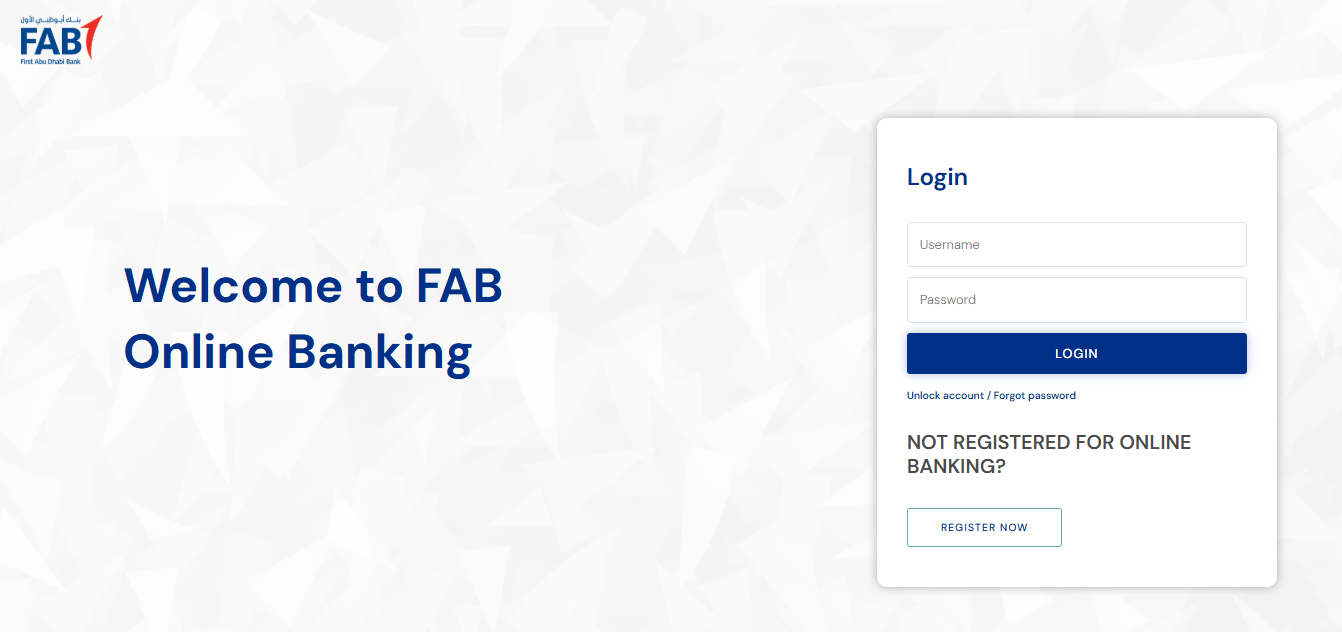
- Visit the official FAB Online Banking portal (
bankfab.com) and log in. - Go to Card Services or Card Management.
- Select your inactive debit card and choose Activate.
- Enter your card’s expiry date and CVV, and confirm via OTP if prompted.
If Something Goes Wrong
| Issue | Likely cause | What to do |
|---|---|---|
| Card doesn’t appear in the app | Courier delivery status hasn’t synced yet | Wait a few hours and refresh, or activate at an ATM instead |
| Contactless declines on first use | Chip & PIN hasn’t been done yet | Insert the card and enter your PIN once at a terminal or ATM |
| OTP doesn’t arrive at the ATM | No signal, airplane mode, or wrong SIM on a dual-SIM phone | Confirm your registered UAE SIM has active signal before retrying |
| Card locked after failed PIN attempts | Repeated incorrect entries | Use Forgot PIN / Reset PIN at an ATM, or call 600 52 5500 |
If your card is lost or stolen, use the dedicated line — 800 4 0000 (UAE) or +971 2 4996599 (international) — rather than general support, for a faster block.
Once active, you can check your FAB balance online. Have a different FAB card? See FAB Credit Card Activation or our dedicated Ratibi card activation guide.
This article is for general informational purposes; always confirm current limits and steps directly with FAB if anything here doesn’t match your card.