Losing track of your own du number is more common than it sounds — it happens after inserting a new SIM, switching phones, or buying a data-only line you never actually call.
Whatever the reason, your du mobile number (also called your MSISDN) is tied directly to your account, and you’ll need it for recharges, customer support verification, and sharing with contacts.
This guide covers every reliable method, from the fastest USSD code to what to do if none of them work.
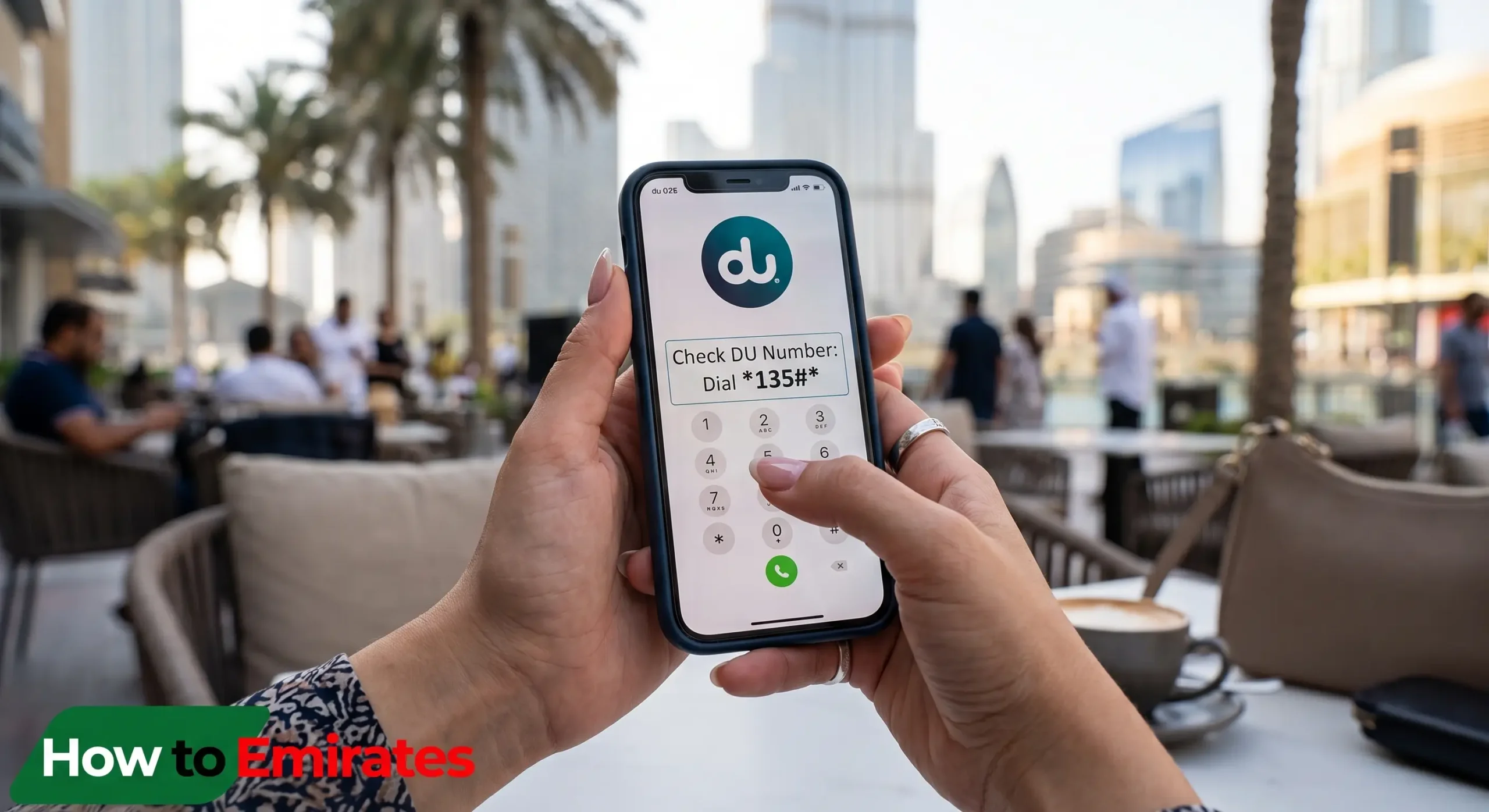
Quick Answer: Dial *116# and press call. Your du number displays on screen within seconds — the request runs over the mobile network itself, so it works without a data connection or airtime balance.
Method 1: USSD Code (*116#)
The USSD code is the fastest way to retrieve your du number because the network responds directly to the dialer, bypassing the need for an app or login.
- Open your phone’s dialer app.
- Enter *116# and press the call button.
- The network returns your du number as an on-screen pop-up.
This method works identically for prepaid and postpaid du lines, and it functions even with zero balance.
Method 2: du App
The du app suits users who want to view their number alongside plan usage, bill details, and add-ons in one place, rather than just the number itself.
- Download the du app from the App Store or Google Play.
- Sign in with your registered du account credentials.
- Open “My Account” — your active number appears at the top of the dashboard.
Method 3: du Website (MyAccount)
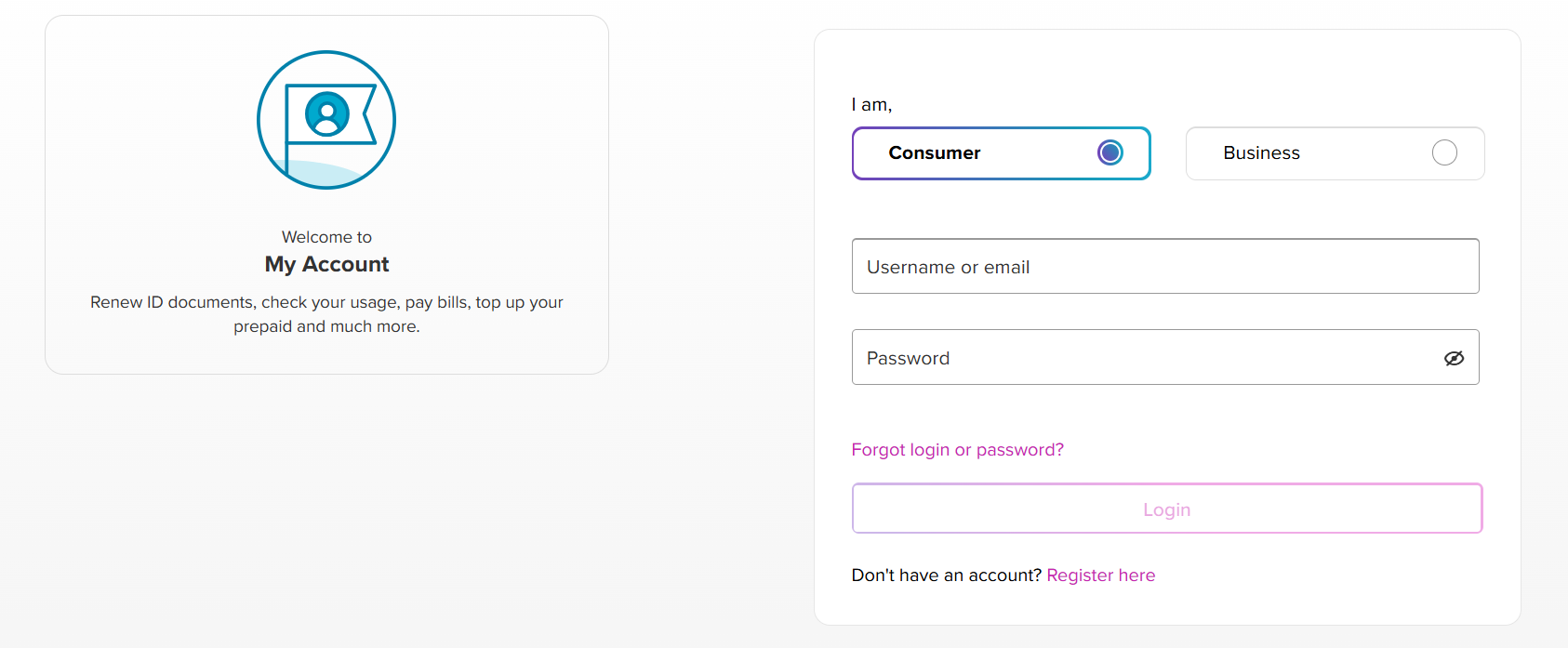
If you’d rather not install an app, du’s official website gives the same account view through a browser. Log in to MyAccount and open the “My Account” tab to see your registered number listed under your profile details.
Method 4: SMS Fallback
On some du lines, sending the word “NUMBER” as an SMS to 1355 triggers an automatic reply containing your number. Treat this as a fallback rather than the primary method, since it isn’t consistently confirmed to work across all account types — if the USSD code responds normally, use that instead.
Method 5: Check via Phone Settings (No Code Needed)
Some devices store the SIM’s number locally, which lets you check it directly in your phone’s settings menu without dialing anything.
Android
Open Settings, then go to About Phone > SIM Status. If your device and SIM support this field, the number appears there directly.
iPhone (iOS)
Open Settings > Phone > My Number. Not every SIM writes this field automatically, so if it’s blank, fall back to the USSD method.
Method 6: Check Your SIM Card Packaging
If you still have the SIM pack, du prints the assigned mobile number directly on the card or the accompanying paperwork — worth checking before assuming the number is lost entirely.
Method 7: eSIM Users
du eSIM profiles store the number under the carrier settings menu rather than a physical card. On iOS, this is under Settings > Cellular > your du plan; on Android, under Settings > Network & Internet > SIMs. If the number field there is blank or the eSIM line isn’t set as your active calling line, the *116# USSD method still works as long as the eSIM is enabled for calls.
Quick Reference Table
| Method | Steps | Works Offline? | Cost |
|---|---|---|---|
| USSD | Dial *116# | Yes | Free |
| du App | Login > My Account | No | Free |
| Website | du.ae > MyAccount | No | Free |
| SMS | Text “NUMBER” to 1355 | Yes (network only) | Varies by line |
| Phone Settings | About Phone / My Number | Yes | Free |
| SIM Packaging | Check printed card | Yes | Free |
| eSIM Profile | Carrier settings menu | Yes | Free |
Troubleshooting: What If None of These Work?
A “service not available” response to *116# usually points to one of a few causes: a dual-SIM phone dialing from the wrong line, weak network signal, or a du SIM that hasn’t finished activation.
Removing and reinserting the SIM, confirming du is set as the calling line, or restarting the device resolves most cases. If you’re roaming internationally, USSD requests often don’t reach the du network — use the app over Wi-Fi instead. As a last resort, call 155, or visit a du store with your Emirates ID for identity verification.
du vs Etisalat: Quick Comparison
| du | Etisalat (e&) | |
|---|---|---|
| USSD Code | *116# | *101# (menu-based) |
| Number Prefixes | 050, 052, 055, 056, 058 | 050, 054, 055, 056 |
| Official Site | du.ae | etisalat.ae |
Frequently Asked Questions
Can someone else check my du number for me if I’ve lost my phone?
Only du customer support can verify and share your number with you directly, and only after confirming your identity — usually via Emirates ID at a physical store. Friends or family cannot retrieve it on your behalf without your account credentials.
What if I have two du SIMs and I’m not sure which one is which?
Insert one SIM at a time and run the *116# code for each, or check both under the du app’s “My Lines” section if both are registered to the same account.