Your UAE visa number (also called the file number or visa reference number) is printed on your visa sticker or entry permit page, or you can look it up online through ICP (most Emirates) or GDRFA (Dubai). Here’s exactly where to find it either way.
Find Your UAE Visa Number in Your Passport
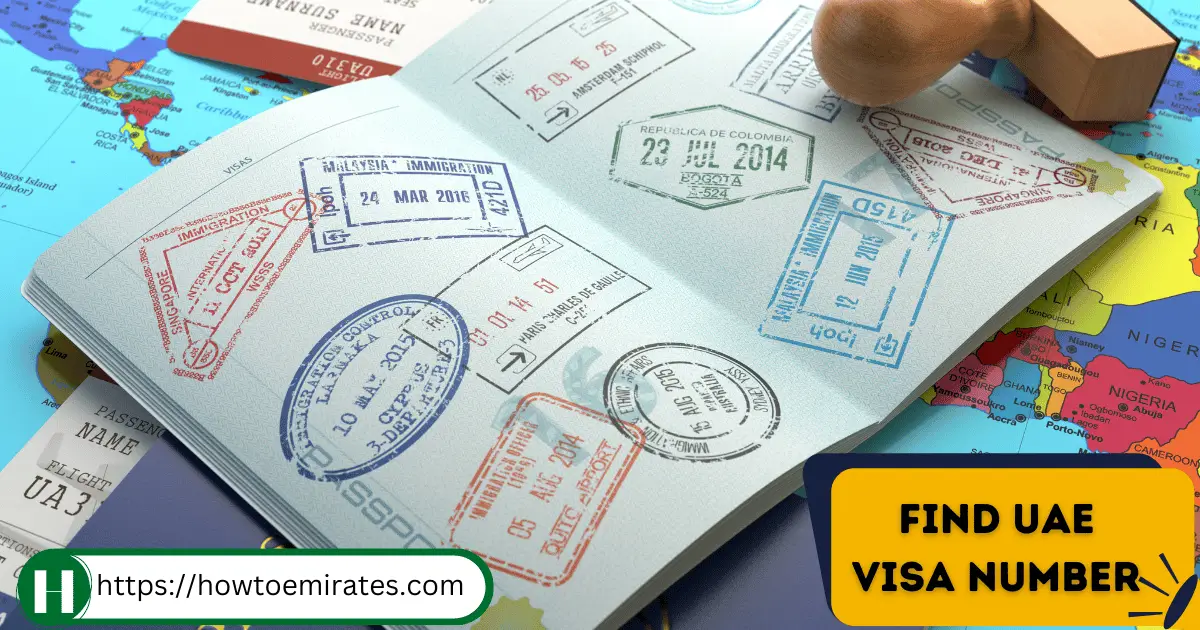
Your visa number is printed on the visa sticker or entry permit page in your passport.
- Find the UAE visa stamp in your passport.
- Look at the upper-right corner for the section labelled “File Number.”
- The File Number has three parts — your visa number is the last of the three.
Check Your UAE Visa Number Online
If you don’t have your passport on hand, or the sticker is unclear, you can also look it up through the authority that processed your visa.
Method 1: ICP Smart Services (Abu Dhabi & Other Emirates)
For visas processed in Abu Dhabi, Sharjah, Ajman, Umm Al Quwain, Ras Al Khaimah, or Fujairah:
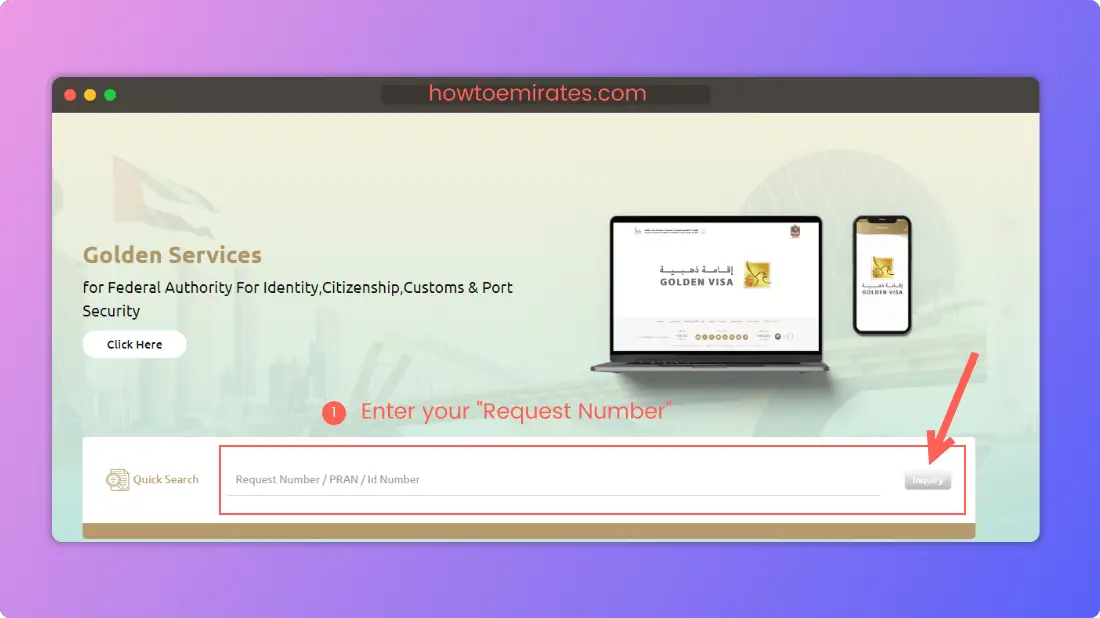
- Go to smartservices.icp.gov.ae.
- Enter your Request Number and click “Inquiry” to retrieve your visa details, including the visa number.
Method 2: GDRFA / Amer Centers (Dubai)
For visas processed in Dubai:
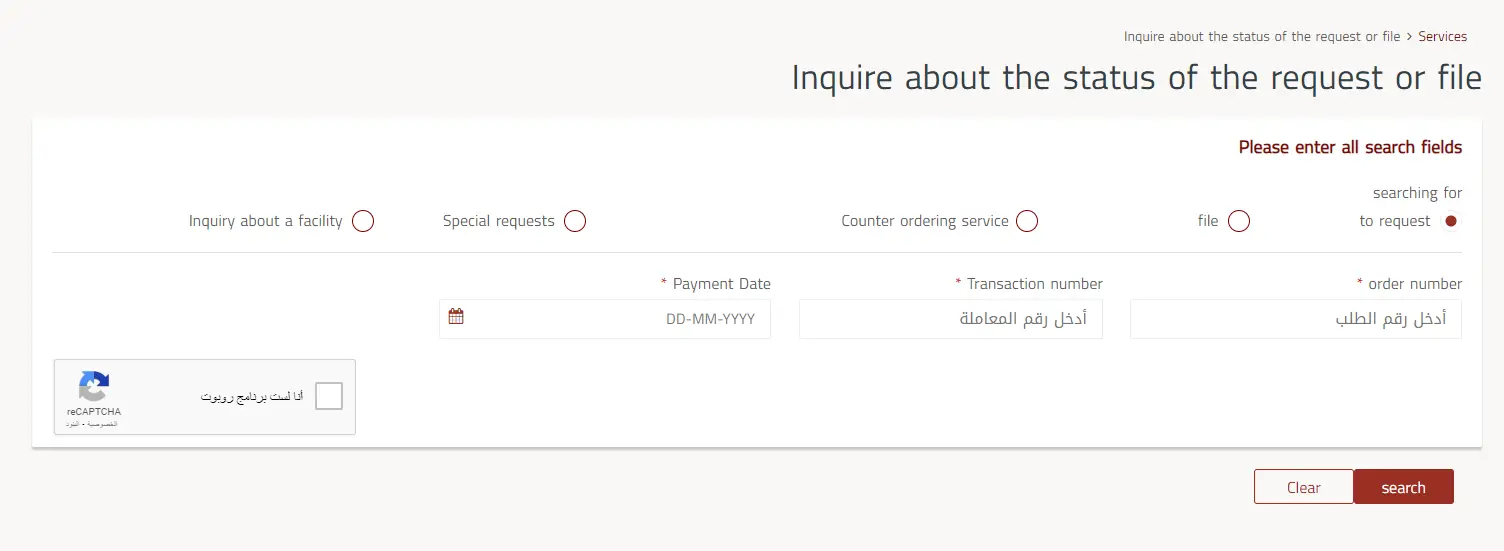
- Go to GDRFA’s Status Inquiry page.
- Select “Application.”
- Enter your Request Number, Transaction Number, and Payment Date.
- Complete the captcha and search.
- Your visa details, including the visa number, appear on the results page.
FAQs
Are the UAE’s UID and Visa Number the same?
No — they’re different numbers serving different purposes.
Where are the UID and visa number located?
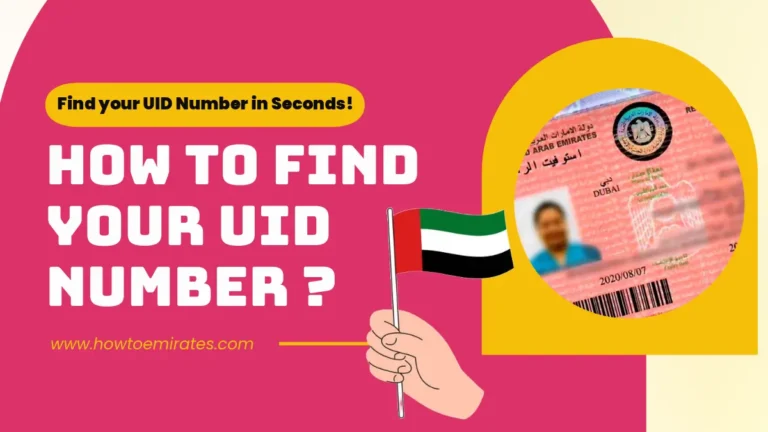
The UID appears at the top of the visa stamp; the visa number sits under the “File Number” section just below it.
What if I can’t find my visa number in my passport?
If the sticker is faded, damaged, or you can’t locate the File Number section, use the ICP or GDRFA online lookup above instead — whichever authority processed your visa.
Once you have your visa number, you can use it to check your full UAE visa status online.