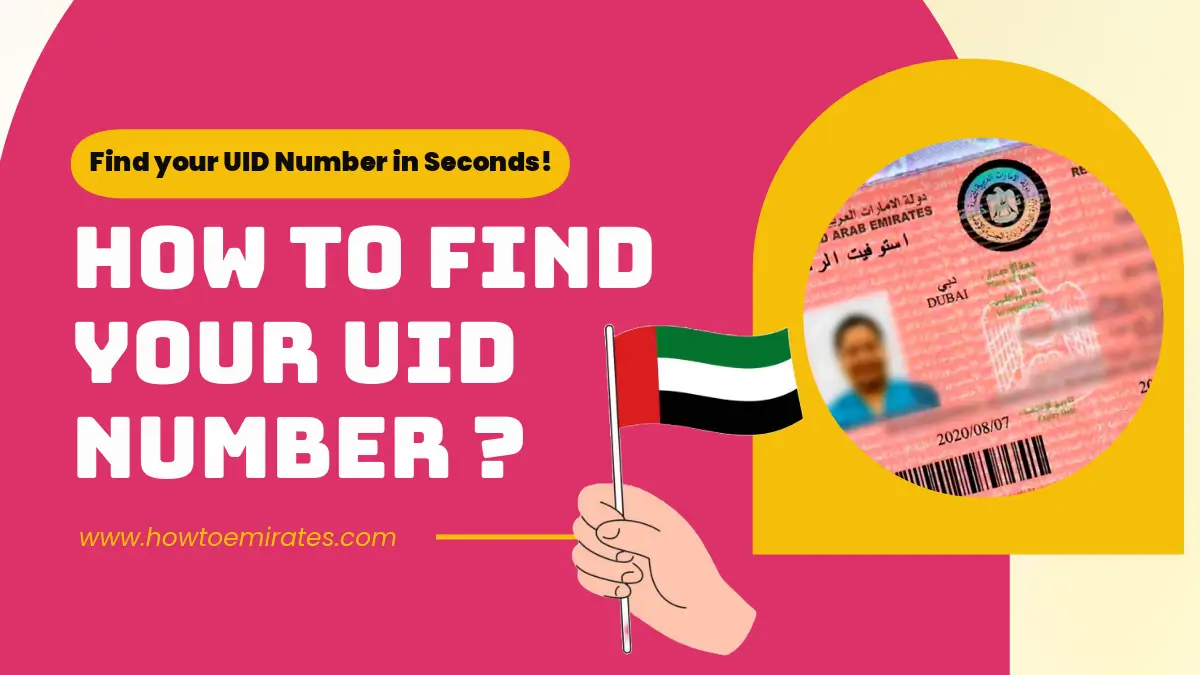
If you’ve ever gotten stuck on a UAE government form asking for your “Unified Number” and had no idea whether that meant your Emirates ID, your visa number, or something else entirely — you’re not alone.
It’s one of the most common points of confusion for residents and visa holders, and giving the wrong number is a common reason applications get delayed.
Here’s exactly what your UID is, where GDRFA and ICP actually store it, and how to pull it up online in under a minute.
Method 1: Web Portals via Passport (No Login Needed)
Web-based passport search is the fastest route if you do not have an active government app session open.
A. For Dubai-Issued Visas: GDRFA Portal
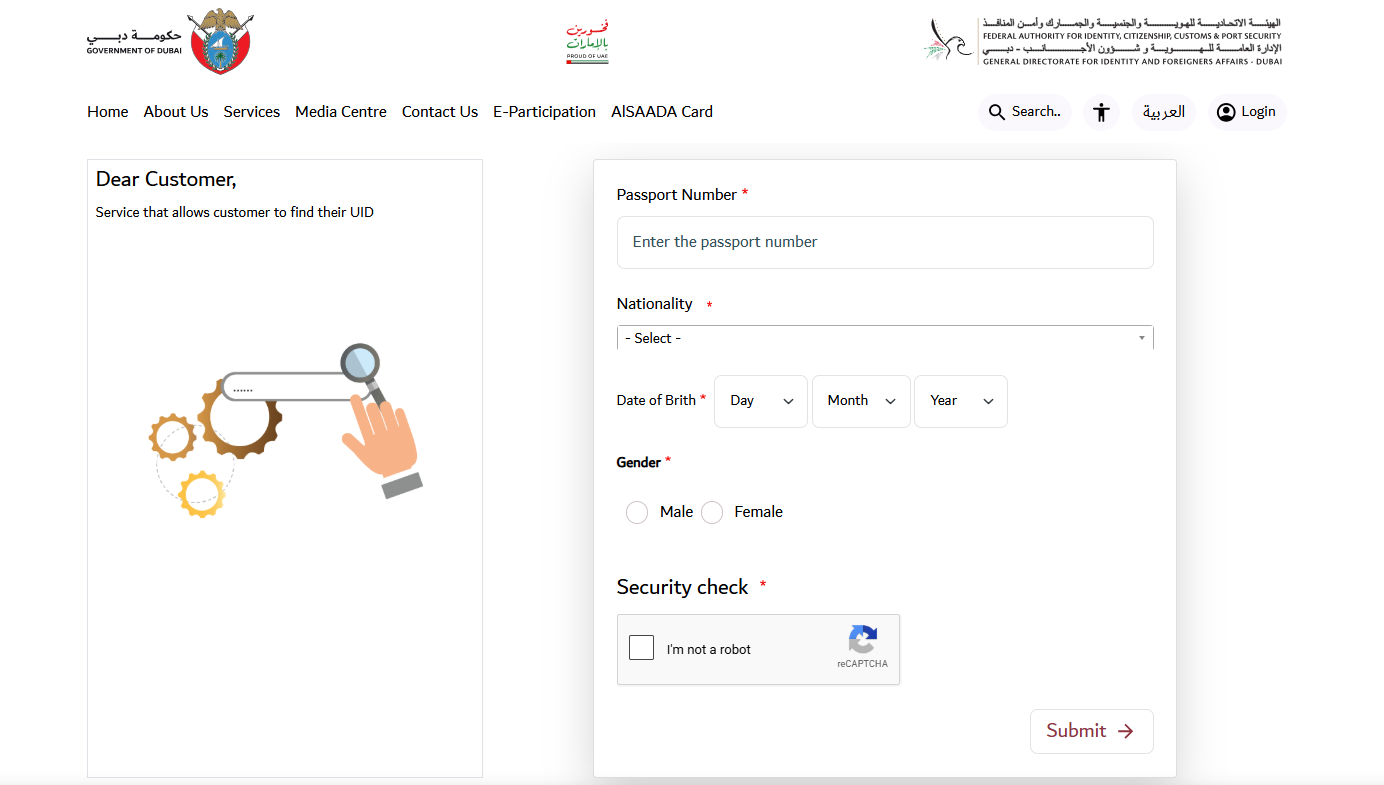
- Go directly to the official GDRFA Unified Number Inquiry Service.
- Enter your details exactly as shown on your passport:
- Passport Number
- Current Nationality
- Date of Birth (Day, Month, Year)
- Gender
- Solve the security check (math captcha) and click Submit. Your UID will display on screen immediately.
B. Federal ICP Portal (All Emirates, Including Dubai)
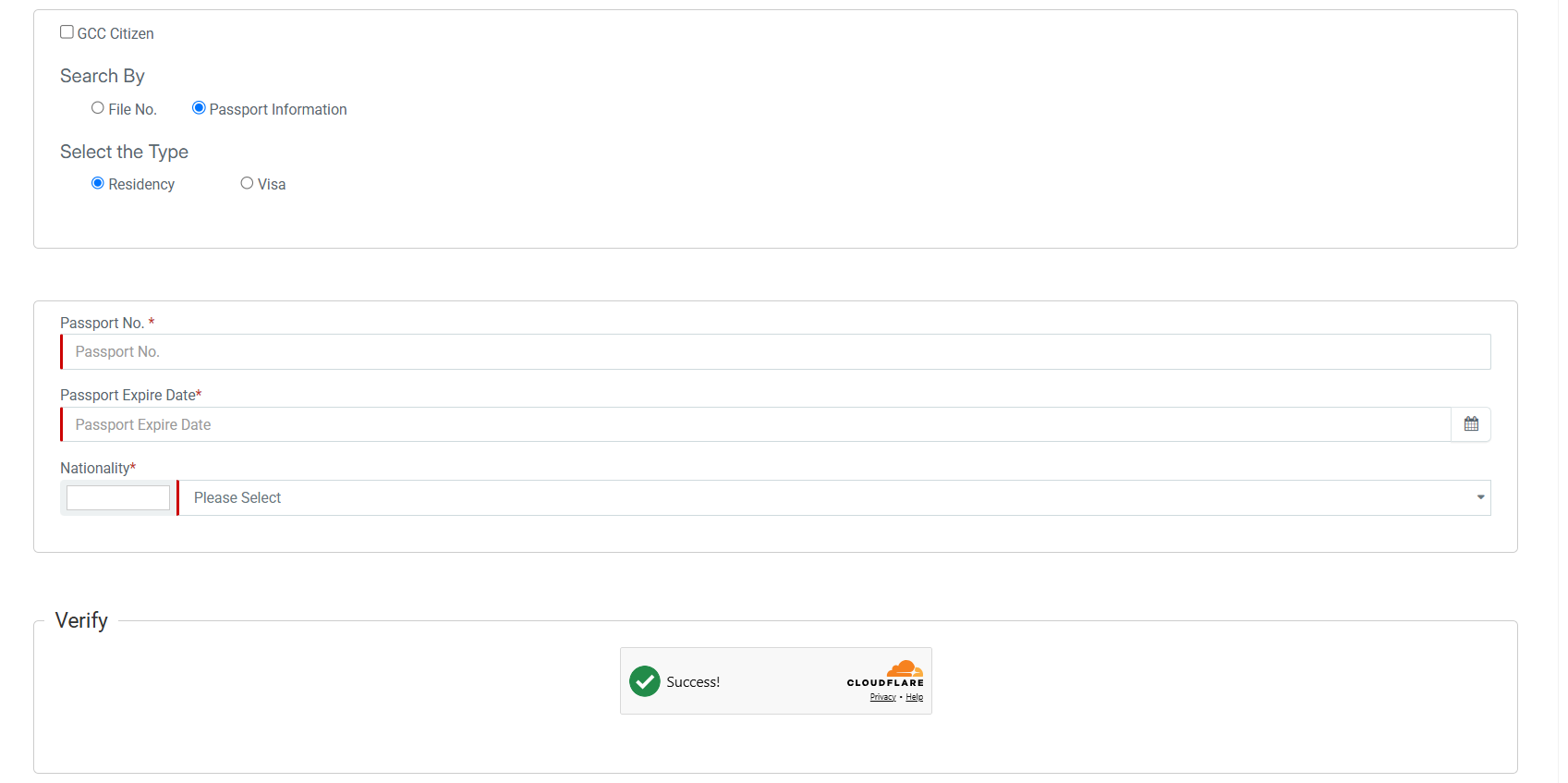
ICP serves as the central federal identity and immigration register for all seven emirates.
- Navigate to the ICP Smart Services File Validity Portal.
- Under “Search By”, select Passport Information.
- Choose your file type:
- Visa (for tourist, entry permit, or visit visa holders)
- Residency (for active residence visa holders)
- Input your Passport Number, Passport Type (Ordinary / Regular), Date of Birth, and Nationality.
- Complete the reCAPTCHA box and click Search. Your file details, validity dates, and Unified Number will load automatically.
Pro Tip: If you recently renewed your passport and the system says “No Record Found”, switch the filter to Search By: File No. or Emirates ID on the same ICP portal to retrieve the linked master record.
Method 2: Official Mobile Apps
If you prefer using your smartphone, official government applications let you look up your UID or access your digital identity vault directly:
-
UAEICP App (Federal Authority): Tap Public Services → File Validity → enter passport details to view your file and UID.
Download: iOS (App Store) | Android (Google Play) -
GDRFA DXB App (Dubai Immigration): Open the app, go to Inquiry Services, and select Find Unified Number using your passport info.
Download: iOS (App Store) | Android (Google Play) -
DubaiNow App (Digital Dubai): Log in via UAE Pass. Under the Residency tab, view your linked immigration profile and UID.
Download: iOS (App Store) | Android (Google Play)
Method 3: UAE Pass National Digital Vault
If you are registered on UAE Pass (the National Digital Identity platform):
- Open the UAE Pass application (iOS / Android).
- Authenticate using biometric face/fingerprint recognition or your security PIN.
- Go to the Documents / Digital Vault section.
- Select your Residency Visa or Entry Permit card.
- Your UID is listed in the document header above your personal demographics.
Method 4: MOHRE Portal or App (Private Sector Employees)
If you work for a private-sector mainland company under the Ministry of Human Resources and Emiratisation (MOHRE):
- Open the MOHRE UAE app (iOS / Android) or visit MOHRE’s e-services portal.
- Select Enquiry Services → View Approved Work Permit or Electronic Work Permit Card.
- Search using your Passport Number or Work Permit Number.
- Your digital labour document shows your Personal Code / UID, linking your employment file to your federal immigration record.
Method 5: Check Directly on Printed or Digital Visa Documents
You can bypass online portals entirely if you have a physical or digital copy of your paperwork:
- Digital eVisa (PDF): Locate the top header section on page 1. Your UID is prominently printed and labelled as “Unified No.” or “UID” (distinct from the Application Number and File Number).
- Visa Sticker in Passport: Look above or beside the File Number near the top of the sticker for the line item marked “Unified No.”.
What a UID Actually Is (and Why It’s Not Your Emirates ID)
The Unified Identification Number (UID / Unified No.) is a permanent immigration reference number assigned to you the first time you cross UAE border control or receive an entry permit (including transit, tourist, or visit visas).
It is issued either at the federal level by the Federal Authority for Identity, Citizenship, Customs and Port Security (ICP) or locally by the General Directorate of Residency and Foreigners Affairs (GDRFA Dubai). Unlike visas or work contracts, your UID stays tied to you for life across job transitions, residency renewals, and passport replacements.
| Identifier | Typical Format / Length | Issuing Authority | Primary Location |
| UID (Unified Number) | 6 to 9 digits | ICP or GDRFA | Top of visa/eVisa, immigration portals, digital ID vaults |
| Emirates ID Number | 15 digits (784-YYYY-NNNNNNN-N) | ICP | Front of the physical and digital Emirates ID |
| Visa File Number | Typically 3-part format (e.g., 201/2026/1234567) | GDRFA (Dubai: 201) or ICP (Abu Dhabi: 101, Sharjah: 301, etc.) | Printed visa sticker or residency eVisa |
| Work Permit / Labour Card No. | Variable (typically 8–10 digits) | Ministry of Human Resources & Emiratisation (MOHRE) | MOHRE App, employment contract, physical labour card |
Neither GDRFA nor ICP publishes an official digit-count specification for the UID, so don’t judge a number as “wrong” purely by its length — go by the label on the document (“Unified No.” / “UID”) instead.
Why Your UID Actually Matters
Beyond just “checking a number,” you’ll be asked for your UID at several real decision points:
- Applying for, renewing, or cancelling a residence visa
- Changing status inside the country (e.g. visit visa → residence visa)
- Sponsoring family members, so their file links correctly to yours
- Applying for or renewing your Emirates ID
- Cross-checking against a work permit or labour card status, since MOHRE and immigration records reference the same UID
If You Have Two UID Numbers (Duplicate UID)
Duplicates usually happen when someone transitions from a visit visa to an employment visa, or re-enters the UAE through a different port and the system doesn’t match the existing record.
Left unresolved, it can block a new visa or Emirates ID application, so fix it before applying, not after a rejection:
- Dubai: GDRFA handles this through the “Merge / Unmerge UID number” service at an Amer centre or via GDRFA Smart Services.
- Other emirates: an ICP-registered typing centre can process the merge.
You’ll typically need your passport copy and copies of the old and current visas (plus a cancellation paper, if a previous visa was recently cancelled).
There’s no online self-service option — this is in-person or through a registered centre only, and exact fees/timing vary by case, so confirm current requirements directly with GDRFA or ICP.
Common Mistakes to Avoid
- Checking the wrong portal — a Dubai visa won’t show up on ICP, and vice versa. This is the single most common “not found” cause.
- Confusing the UID with your visa number or Emirates ID number — give forms the permanent UID, not the file-specific visa number.
- Assuming a fixed digit count — there’s no published rule, so don’t dismiss a correct number just because it looks shorter or longer than expected.
- Sitting on a duplicate UID until visa time — resolve it proactively; discovering it via a rejected application costs far more time.
Frequently Asked Questions
Is my UID the same as my Emirates ID number?
No — they’re separate identifiers for different purposes. See the comparison table above.
Do I need to pay to check my UID online?
No, both the GDRFA and ICP inquiry services are free and don’t require an account.
Does a tourist or visit-visa holder have a UID?
Yes. The UID is assigned on first entry regardless of visa type, so even a visit visa generates one.
Does my UID change if I renew my passport?
No — it’s tied to you as a person, not to a specific passport or visa, and stays the same for life.